

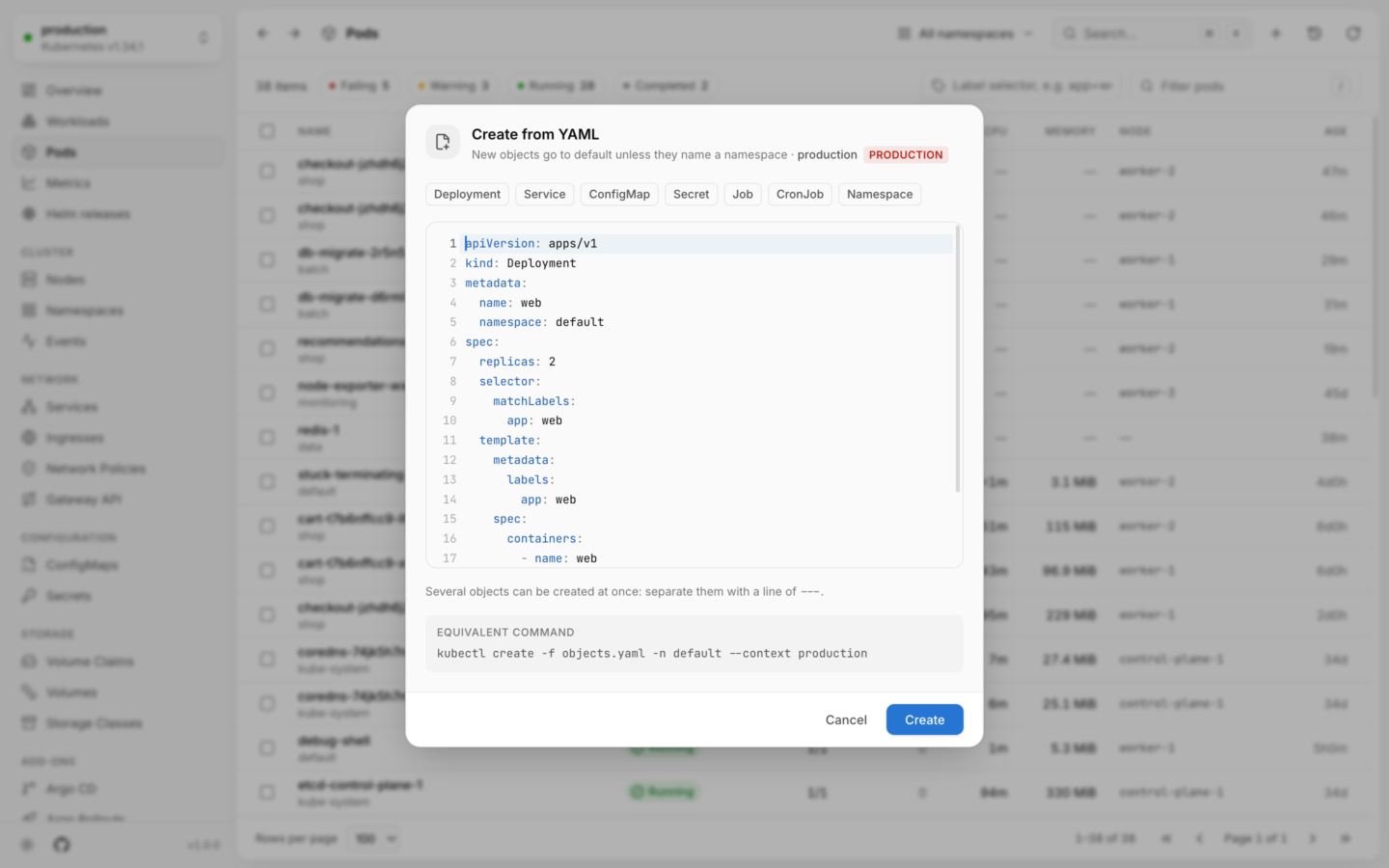
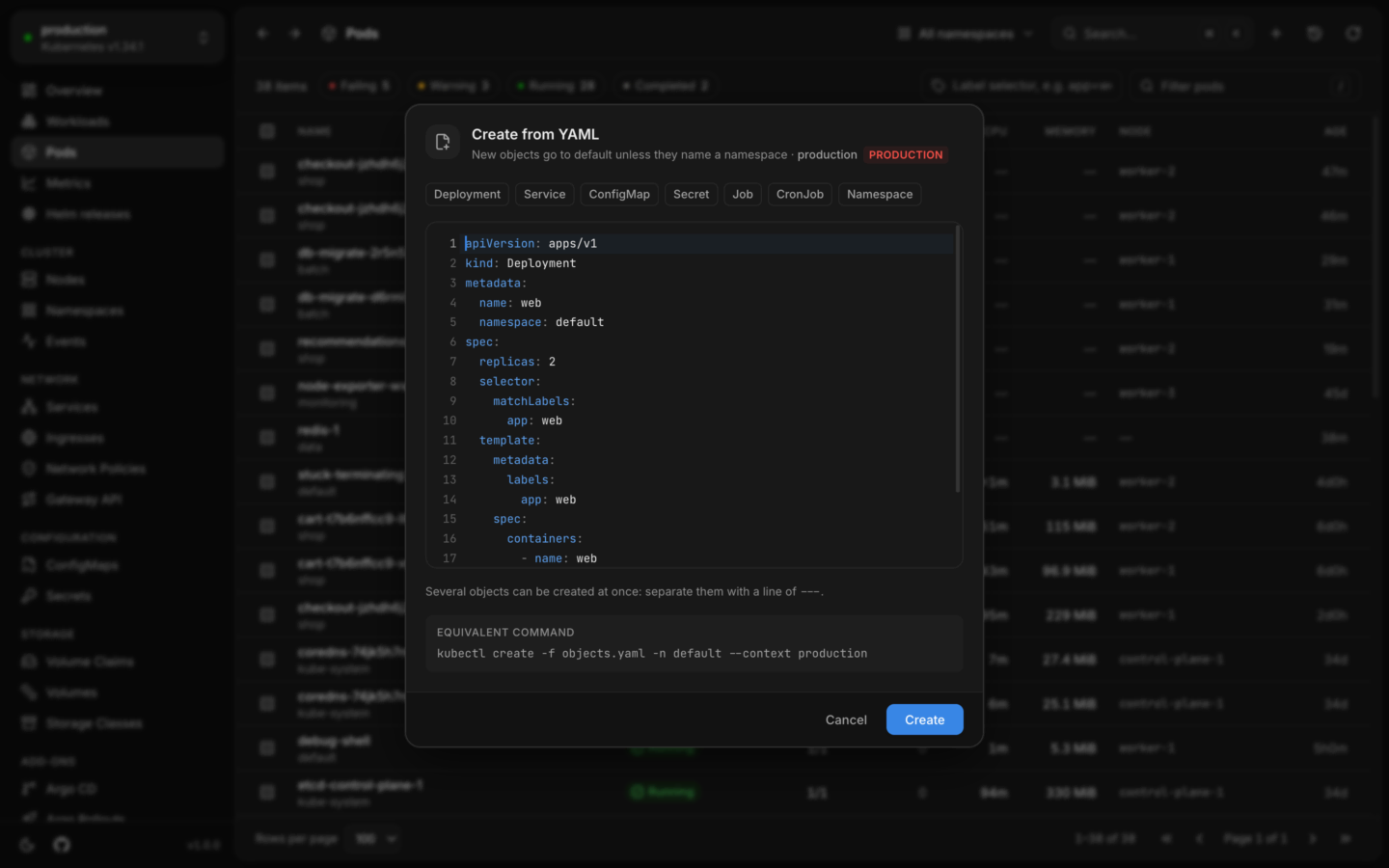
Creating a Deployment from the form, with the YAML it writes beside it.
The nine kinds
Choose one under Kind. Each starts from a blank the form wrote, so choosing a kind starts over.
A few fields say more than they ask:
- Namespace starts at the one chosen in the header. When the header shows all namespaces, it starts at
default, and says so: “No namespace is chosen in the header, so it starts atdefault. Choose another here.” - A CronJob’s Schedule takes cron’s five fields and reads them back in words, with the time zone: “Every day at 02:30, in the cluster’s time zone (usually UTC).” For a schedule that’s valid but has no plain words, it says so, and asks you to check it against what you meant.
- A Service’s Type says what each of the three means, and under its labels it says how many pods match them now. A port’s row is the Service’s port, then the pod’s port, by number or by the name the pod gives it.
- A PersistentVolumeClaim says that its size can grow later where the class allows it, and can’t shrink.
The form and the YAML stay in step
- Edit either side. Type in a field, and its lines in the YAML change. Edit the YAML, and the fields follow.
- Each field names the path it writes, like
spec.replicas, and its lines in the YAML light up while the field has the focus. - What’s wrong is said under its field as you type, with its lines marked: a name that can’t be a name, a port that isn’t a number, a value the YAML has as a number where the cluster wants text.
- What the cluster refuses is said under the field it names, after its dry run, as “The cluster refused it: …”.
- What the form has no field for is kept. If the YAML sets something else, a strategy or a node selector, the form names it and leaves it as it is: “The YAML also sets
spec.strategy. The form has no field for it, and keeps it as it is.”
What a form edit changes in YAML you wrote
A field’s edit changes its own characters and nothing around them. Comments, the order of keys, blank lines and keys the form has no field for stay as you wrote them. Four things to know if you paste YAML and then use the fields:- A value the form replaces is written plainly, with quotes only where YAML needs them. Values it doesn’t touch keep their quoting. So pasted JSON stays valid YAML, but stops being JSON once a field changes a value in it.
- A map or list written in brackets (
{…},[…]) that gains or loses something is written again with standard spacing. Nothing outside it changes. - What the form adds is indented by two spaces, whatever the rest of the text uses.
- The editor holds text with plain line ends, however it arrived, and that’s what’s created. A byte-order mark at the start is kept.
When the form steps back
Some YAML is more than the form’s fields can show. The form then steps back: its fields dim, it says “The form can’t show this YAML” and why, and the YAML goes on being exactly what’s created. Its heading says “Edited by hand. This is what gets created.” It steps back for:- YAML that doesn’t parse, or isn’t an object with keys;
- more than one document: the form edits one;
- two or more containers, or a StatefulSet with more than one claim for each pod;
- a container whose command isn’t run as
sh -c, which is how the form’s Command field writes one; - a Service of a type other than ClusterIP, NodePort and LoadBalancer;
- a Secret of a type other than Opaque;
- a claim that asks for more than one way to be mounted;
- a label, a port’s setting or a value that holds more than one value, where the form’s field takes one.
A Secret’s values
A Secret’s values are hidden on both sides each time you choose the Secret kind, until you choose Show values, above the YAML. While they’re hidden:- The YAML that’s shown is another text, with
••••••••in place of every value underdataandstringData. It can be read and copied, and holds none of the values. It’s read-only: edit through the form, or show the values first. - Comments inside those blocks are hidden too, since that’s where an old value is often left.
- A field never shows the value the YAML has. It shows that there is one. What you type into it is drawn as dots and replaces the value. The number of dots is the length of what you typed, and what you’ve typed can be copied out of the field until you leave it.
- The cluster’s words are kept back. If the cluster refuses the Secret, it may quote a value, so the form says only “The cluster refused it. Choose Show values to read what it said.”
- A Secret copied out of a cluster is hidden whole.
kubectl applyleaves a copy of the object, values and all, in the annotationkubectl.kubernetes.io/last-applied-configuration; its value is hidden with the rest.
- Keys, and the Secret’s
type. - Comments outside the
dataandstringDatablocks, including one on thetype:line. - The YAML side of Create, and a Secret typed under another kind: both show it as written.
- Values that can’t be told from the rest. Where the text isn’t YAML as it stands, or a value comes through an alias or a merge key (so it’s written somewhere else in the text), Lumovi can’t hide it value by value and doesn’t pretend to: the values stay showing, Hide values is off, and a line above the YAML says why. This can only happen while you’re already showing them.
stringData. The cluster stores them base64-encoded, which isn’t encryption, and the form says so.
A change to a Secret that fails is in the activity log as having failed, without what the cluster said, for the same reason.
Creating it
Create is ready once nothing is missing and nothing typed is wrong. It works as on the YAML side: the cluster checks it first with a dry run, and nothing is created if it’s refused. In a read-only cluster the form opens, says that changes are turned off, and Create stays disabled.In your cluster: the form works on a tablet as well as a computer. On a phone, Create isn’t offered.
Create from YAML
Any kind, several objects at once, from a template or pasted.
Edit YAML
Change an existing object, with a dry run and a diff first.