


A cert-manager certificate, shown with Lumovi's view of it.
Finding a kind
API resources
Every kind, like
kubectl api-resources. In the sidebar, at the bottom.The sidebar
An entry for each tool the cluster runs, the kinds you opened last in this cluster, and the ones you pinned.
Command palette
⌘K finds any kind by name, short name or group, and add-ons by name.
certificates offers cert-manager.
API resources
API resources lists every kind the cluster serves in two tables: Custom resources, grouped by API group, and Kubernetes. For each kind you see its short names, API version, Scope (namespaced or cluster-wide) and which View it uses, if any. Filter kinds matches names, short names, plurals and groups.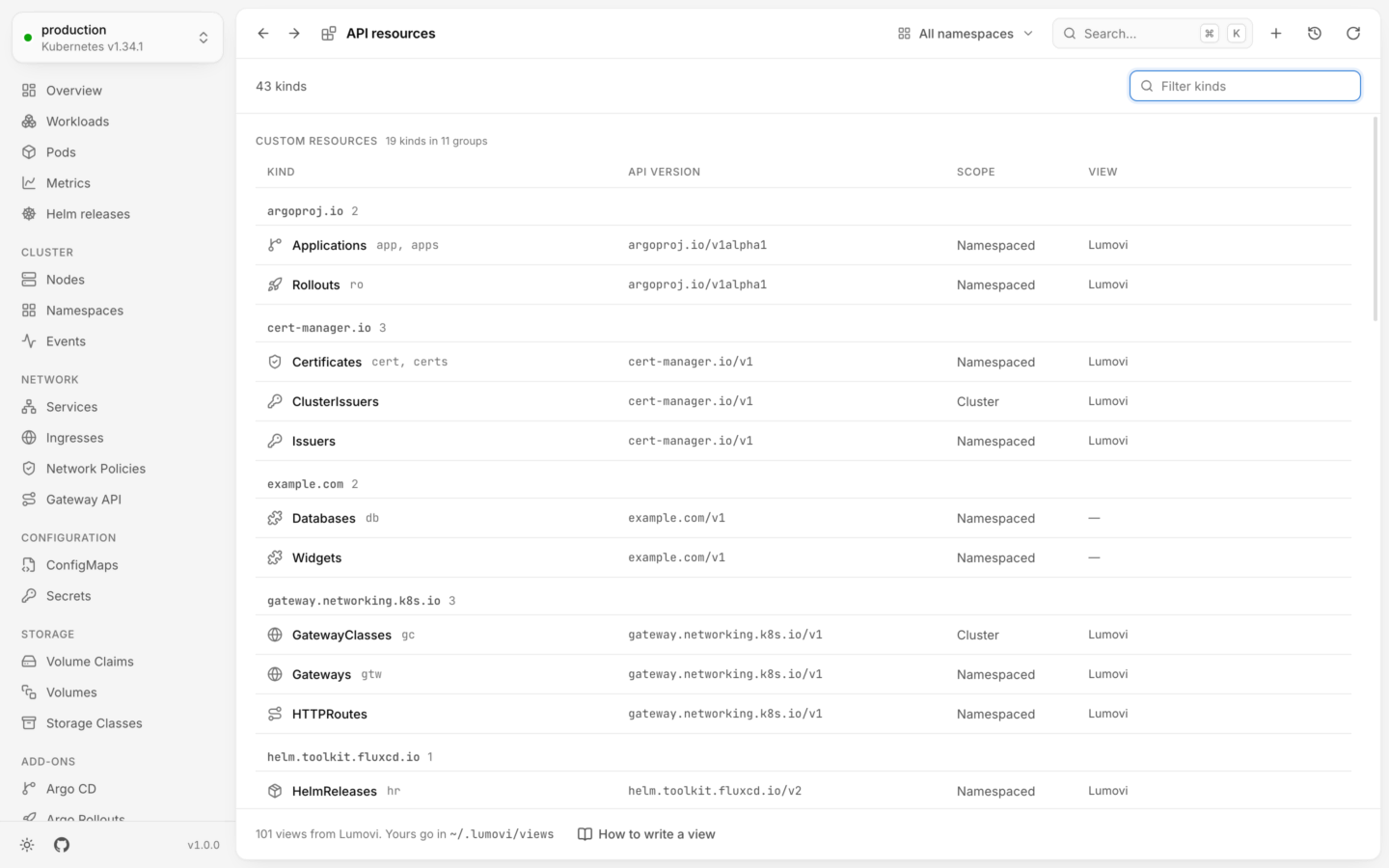
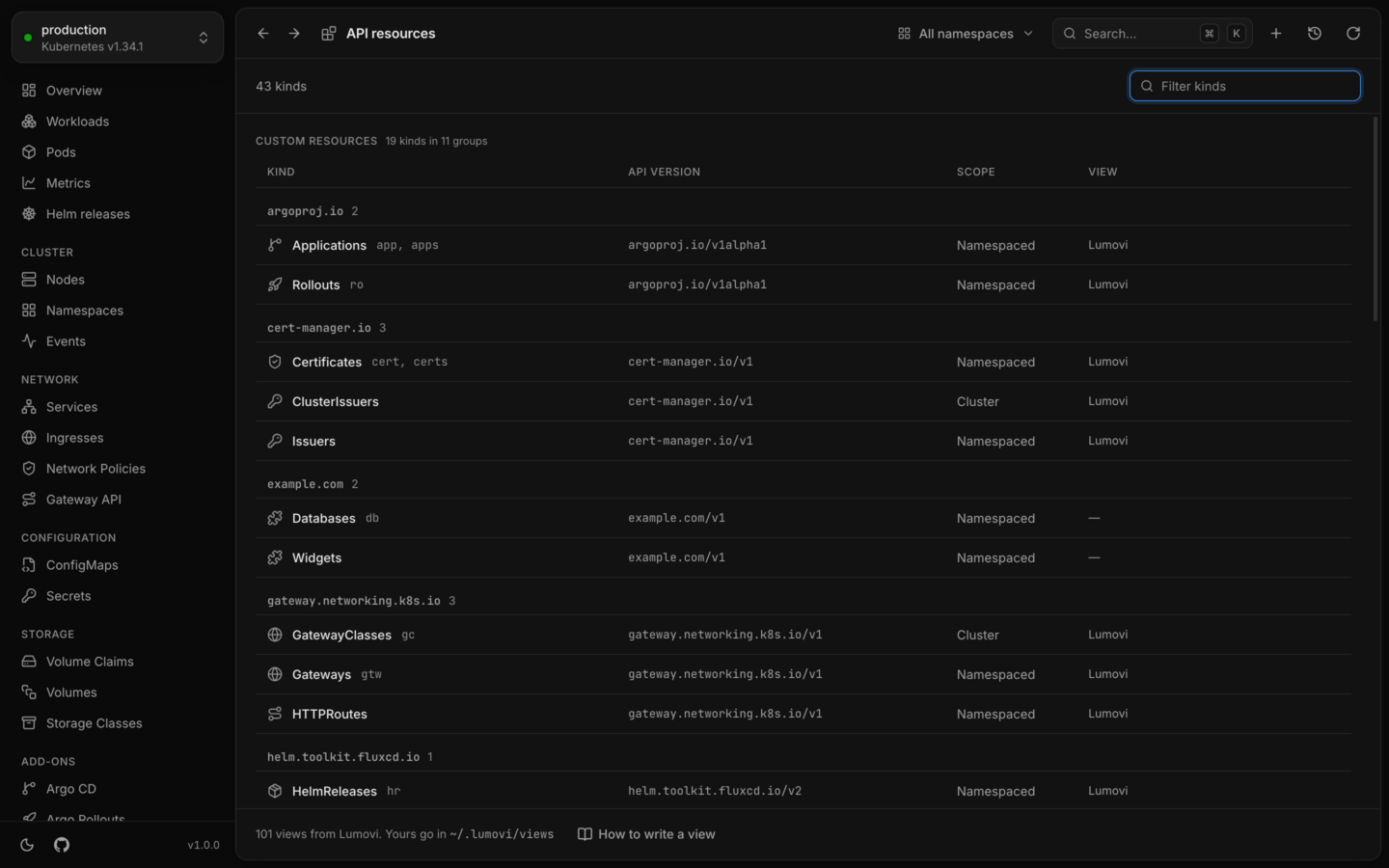
Every kind the cluster serves, custom resources included.
A short sidebar, however many CRDs
A cluster can have hundreds of custom resource definitions, so the sidebar doesn’t list them all:- Add-ons. Each tool the cluster runs, like Flux or cert-manager, gets an entry that leads to all its kinds. Most are under Add-ons; a few that extend Kubernetes’ own, like Gateway API, sit in Network, Configuration or Storage. See Add-ons.
- Custom resources. The kinds you opened most recently in this cluster, up to five, and API resources, with a count of every custom kind the cluster serves. Kinds that belong to an add-on are left out, since its entry is a click away already.
What you see
Columns
A kind’s list has the columns the API server prints for it, the same oneskubectl get shows (a CRD’s printer columns). A view can replace them with better ones.
Status
Each object gets a status read from the conventions most controllers follow, checked in this order:1
Being deleted
Terminating
2
Turned off
spec.suspend gives Suspended, and spec.paused gives Paused.3
Stuck
A
Stalled condition that’s True (as kstatus defines it) is critical, labeled with its reason.4
Its main condition is False
The first of
Ready, Available, Healthy, Programmed, Established, Succeeded or Accepted that it has. If it’s False, the object is critical, labeled with its reason, unless the object says it’s still working on it.5
Catching up
A
Reconciling or Issuing condition that’s True, or a spec the controller hasn’t caught up with yet (status.observedGeneration behind metadata.generation), is progressing: Reconciling, or the condition’s reason.6
Its main condition is True
True is healthy, labeled with the condition’s name, like Ready. Unknown is progressing.7
A health or a phase
Failing that, an Argo-style
status.health.status, or status.phase or status.state, read by its words: “Failed” or “Degraded” are critical, “Pending” or “Provisioning” are progressing, “Running” or “Bound” are healthy, and so on.The detail panel
Click an object to open it. Its Overview has its details, its conditions, the objects it links to under Related (when a view says), and its Spec and Status as trees you can fold. A view can also list the objects that belong to this one, a tab each: a node pool’s Nodes, a pipeline’s Runs. A list of pods becomes the Pods tab, under the view’s name for it (CloudNativePG’s Instances), with Logs and Metrics tabs for those pods. On Kubernetes 1.27 and later, Lumovi reads each kind’s schema from the cluster’s OpenAPI documents, and explains every field when you hover it. Custom resources publish their CRD’s schema there too, so their fields are explained the same way.What you can do
Custom resources are first-class:- Create them from YAML (⌘N in the desktop app), checked by the cluster before anything is created. The cluster has to serve a kind before you can create objects of it, so create a new CRD on its own first. See Create from YAML.
- Edit their YAML or labels. Edits are validated by the cluster against the CRD’s schema with a dry run, and shown as a diff before they’re saved. See Edit YAML.
- Delete them, one or many at once. Deleting a CustomResourceDefinition asks you to type its name first, since it deletes every object of that kind.
- Scale kinds that have the scale subresource, like Argo Rollouts, the same way as a Deployment.
- Use the actions a view adds, like Flux’s Reconcile, Argo CD’s Sync, or CloudNativePG’s Back up now…, which creates a backup.
kubectl command, written like kubectl delete certificate.cert-manager.io/api-tls -n shop --context production.
Views
A view tells Lumovi more about a kind: which columns matter, how to tell whether an object is healthy, which facts to show, which objects it links to and which belong to it, and which changes people make to it. Views are YAML and data only, so they can’t run code. Lumovi ships views for popular projects, and you can write your own. API resources shows which view each kind uses, and lists any problem with your views at the top: a view with a problem isn’t used at all, and the message says where it is.Add-ons
An add-on gathers the kinds of one tool under one entry in the sidebar. Its page lists everything of those kinds together, what’s failing first, with a tab for each kind. Lumovi ships add-ons for 32 tools, shows the ones your cluster runs, and you can write your own or replace Lumovi’s.Add-ons
Each tool’s entry in the sidebar, and its page.
Built-in views
cert-manager, Argo CD, Flux, Karpenter and 28 more.
Write a view
Better columns, status and actions for your own kinds, in a few lines.