

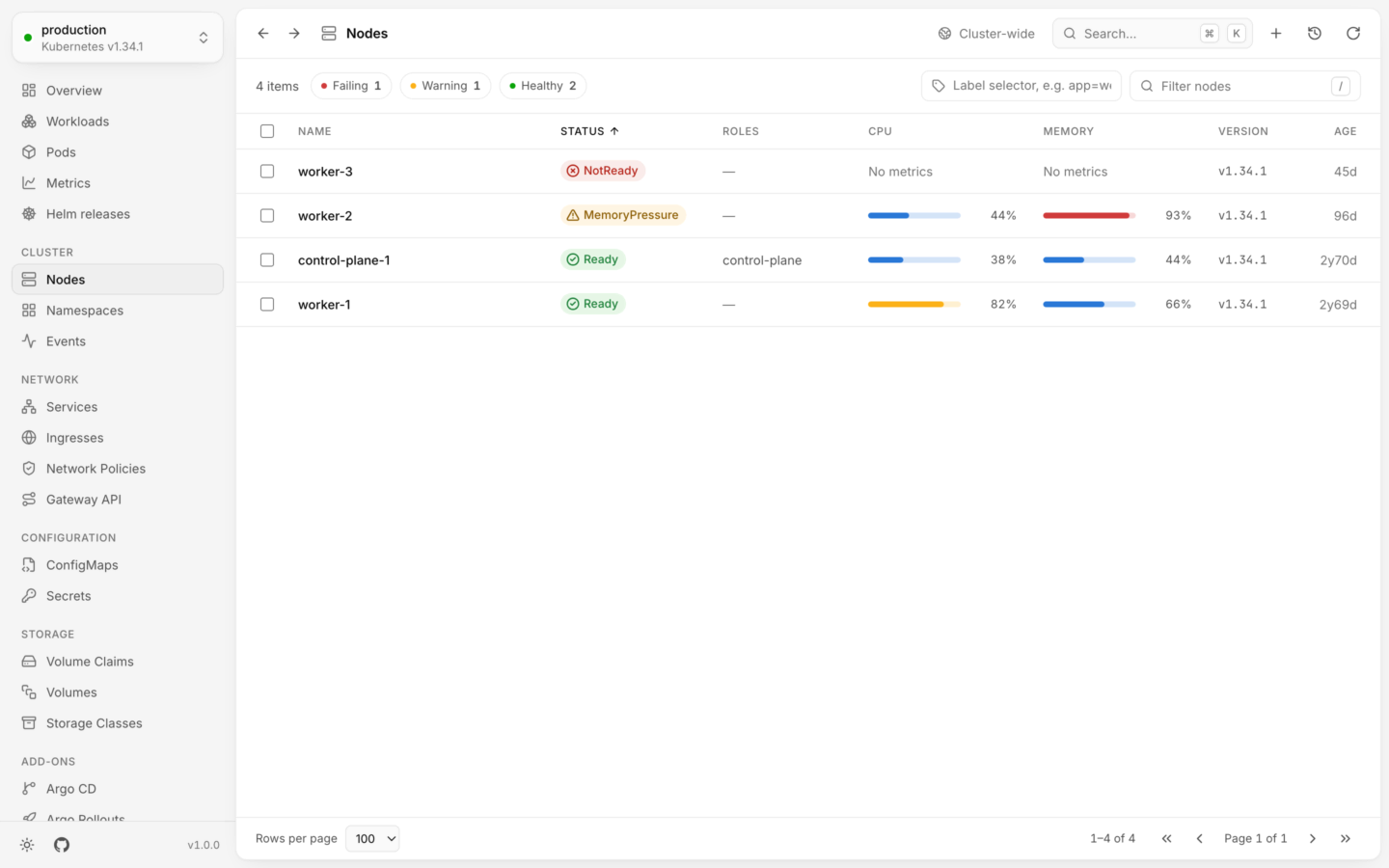
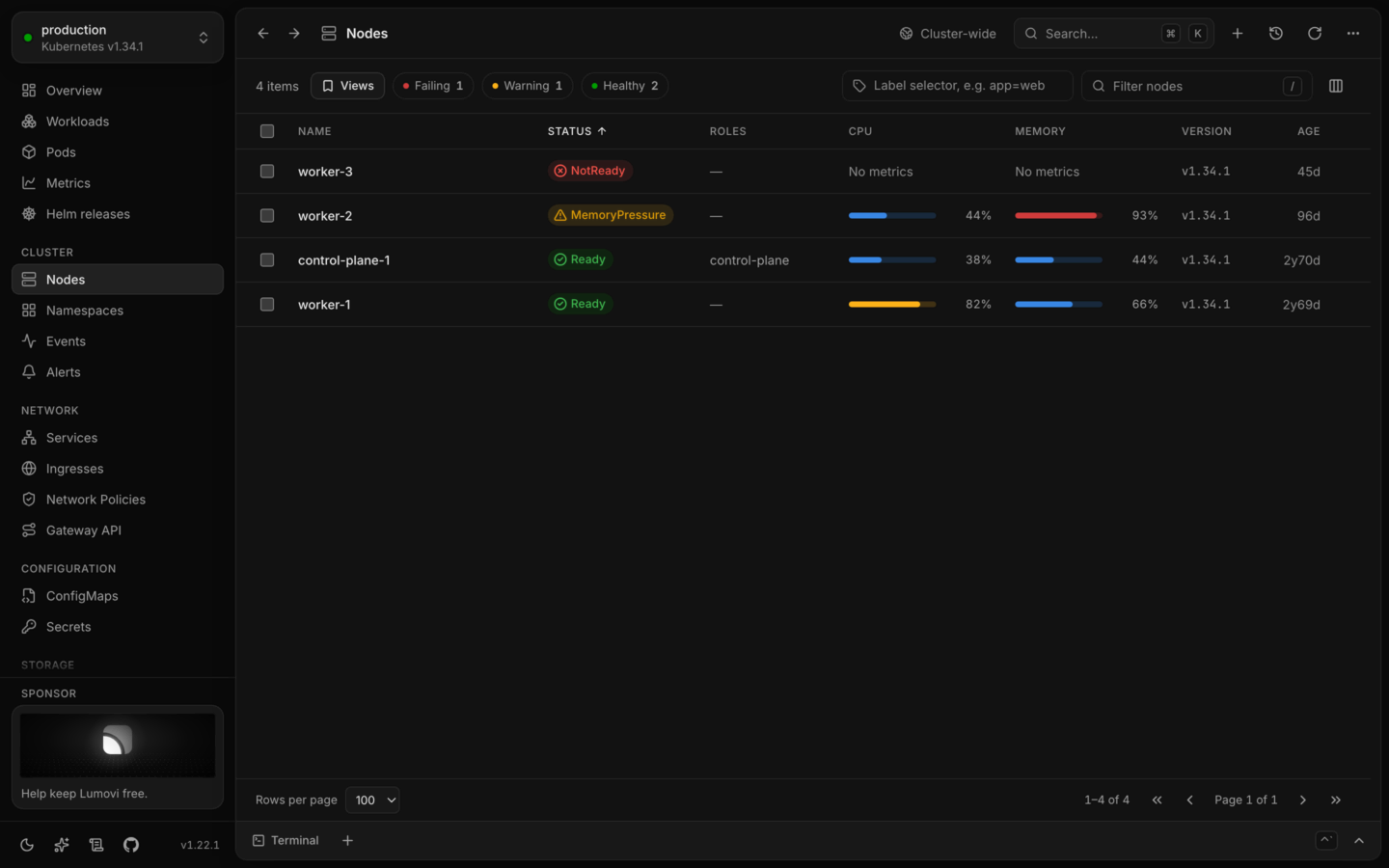
Nodes, their usage and conditions: one under memory pressure, one not ready.
The list
A node’s status is one of:
Open a node
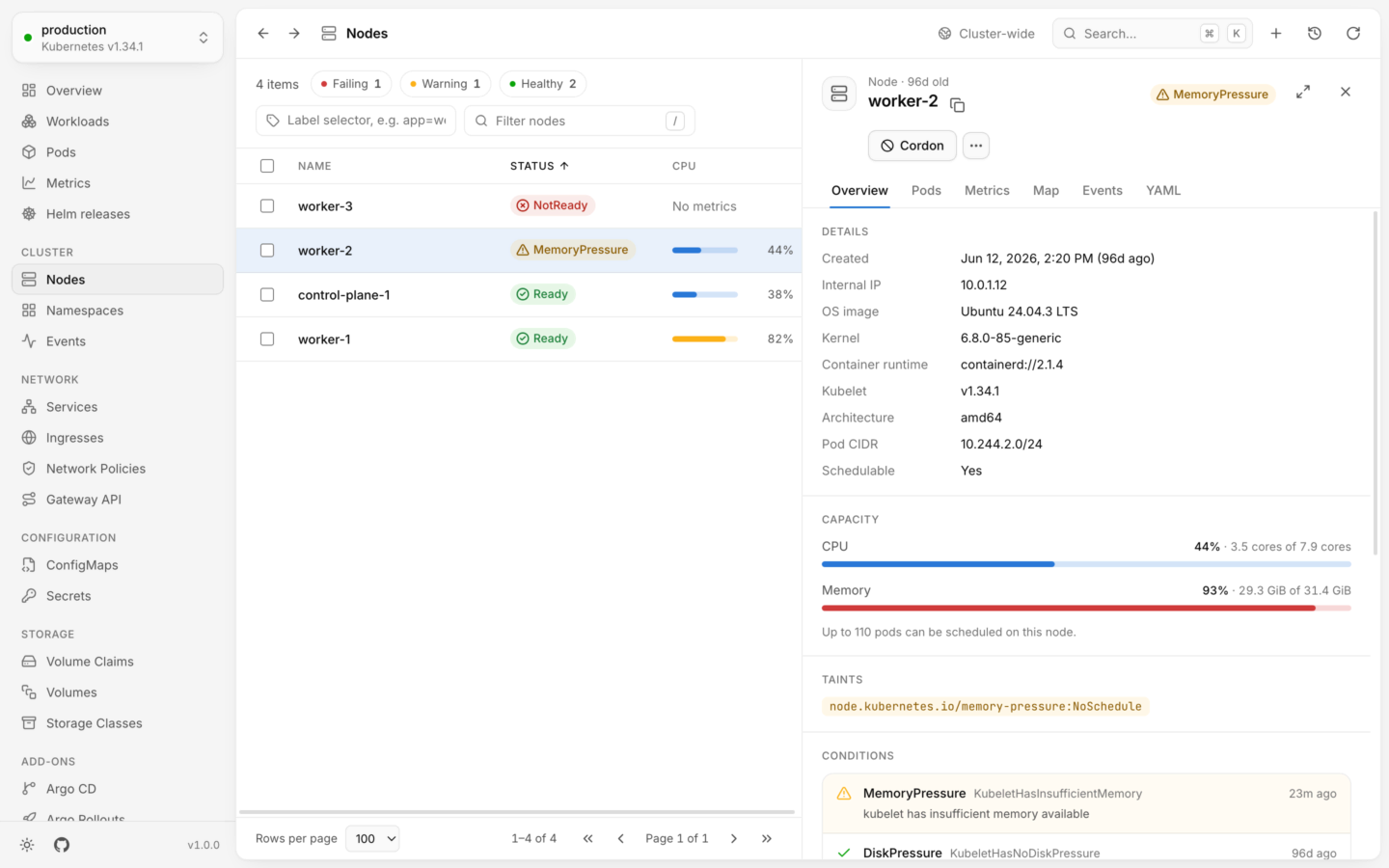
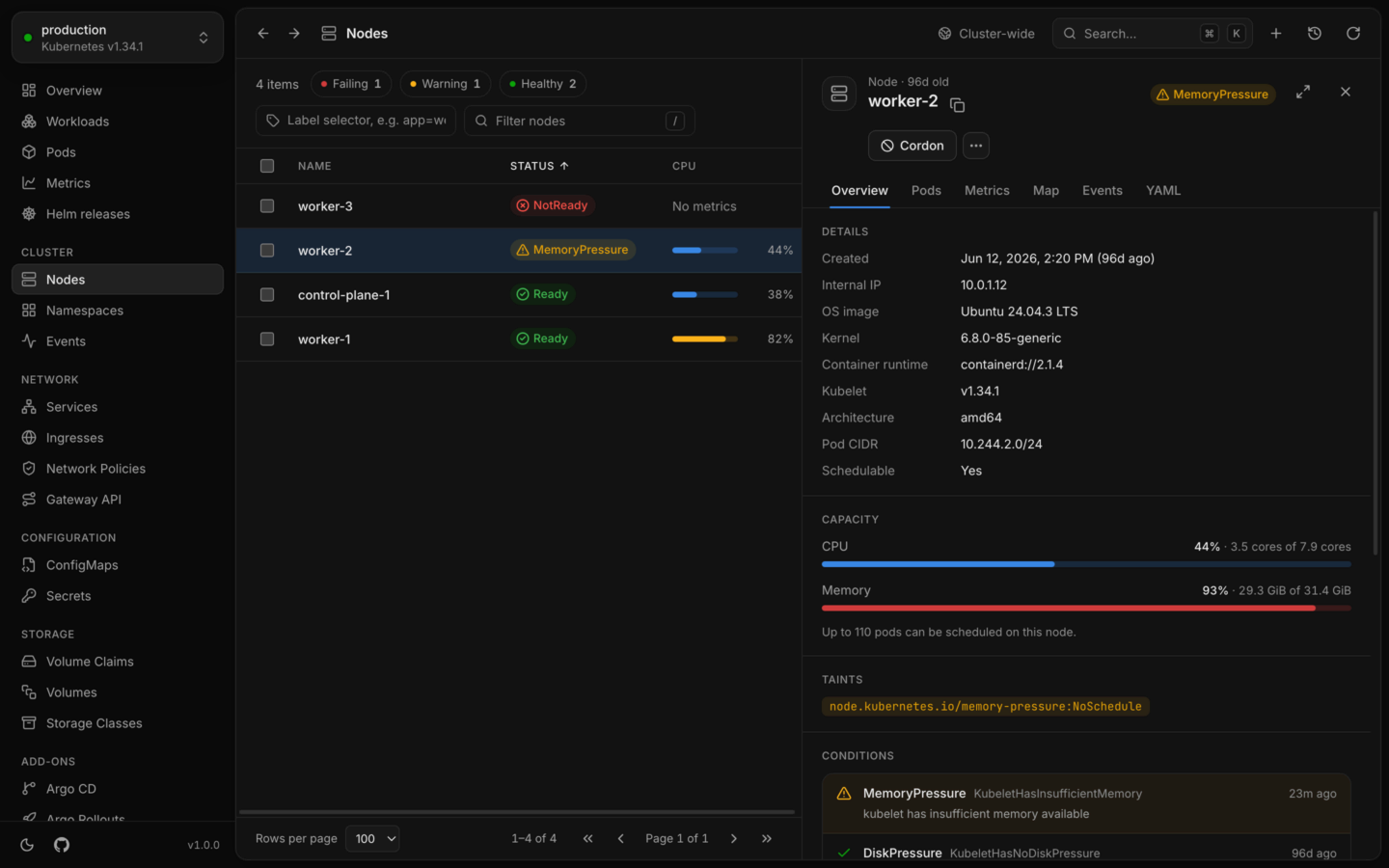
Overview has:- Details: its internal IP, OS image, kernel, container runtime, kubelet version, architecture, pod CIDR, and whether it’s Schedulable.
- Capacity: CPU and memory in use against what’s allocatable, and how many pods can be scheduled on it.
- Taints, when it has any.
- Conditions, labels and annotations.
A shell on the node
Shell, at the top of the panel, opens the node’s Shell tab. From there, Lumovi starts a short-lived privileged pod on the node and opens a shell through it: as root on the node itself, or in the pod, with the node’s files under/host. Nothing starts until you choose Start shell, and the pod is deleted when the shell ends. Your RBAC, and the Pod Security of the namespace the pod runs in, decide whether you can. See Shells on nodes.
Take a node out of service
A drain takes
kubectl drain’s options:
- Grace period: how long each pod has to stop before it’s killed, at least 1 second. By default, each pod’s own
terminationGracePeriodSeconds(--grace-period). - Give up after: how long to keep trying pods a PodDisruptionBudget holds. Then those pods stay, and so does the cordon (
--timeout). - Delete emptyDir data, for pods with
emptyDirvolumes, whose data is lost (--delete-emptydir-data). - Leave DaemonSet pods, on by default: their DaemonSet would start them here again anyway. Off, a DaemonSet pod stops the drain (
--ignore-daemonsets). - Evict pods without a controller, for pods that nothing will recreate (
--force).
Taints
Taints… lists the node’s taints, and adds and removes them. A taint keeps pods off the node unless they tolerate it, by its effect:

A node’s taints: one to add and one to remove, with the kubectl commands they are.
Remove a taint with its Remove button, and Keep to take that back; add one with a key, an optional value and an effect. Nothing changes until Apply. Taints Kubernetes sets itself, like a node that isn’t ready, say Set by Kubernetes, and removing the control plane’s says that pods will then be scheduled on it.
Where a
NoExecute taint is staged, the dialog says first which pods it evicts at once, like “Applying this evicts 3 pods from worker-2 at once.”, and its button says so: Apply and evict 3 pods. Undo, in the notification, puts the taints back; pods it evicted don’t come back.
Apply sends one change that touches only the taints you added or removed, each removal checked against the taint as Lumovi read it. If the node’s taints changed while the dialog was open, nothing is changed, and it shows them as they are now, with your changes still staged. The command beside it does the same with kubectl taint, and the audit log records it as resource.patch, like “Tainted worker-2 with dedicated=gpu:NoSchedule” or “Changed worker-2’s taints: dedicated=gpu:NoSchedule added, maintenance:NoExecute removed”.
Draining a node under memory pressure: the pods it evicts, those that stay, and what has to be allowed first.
Actions by kind
Every action, with what it runs and what it can undo.
Live usage
Where the CPU and memory figures come from.